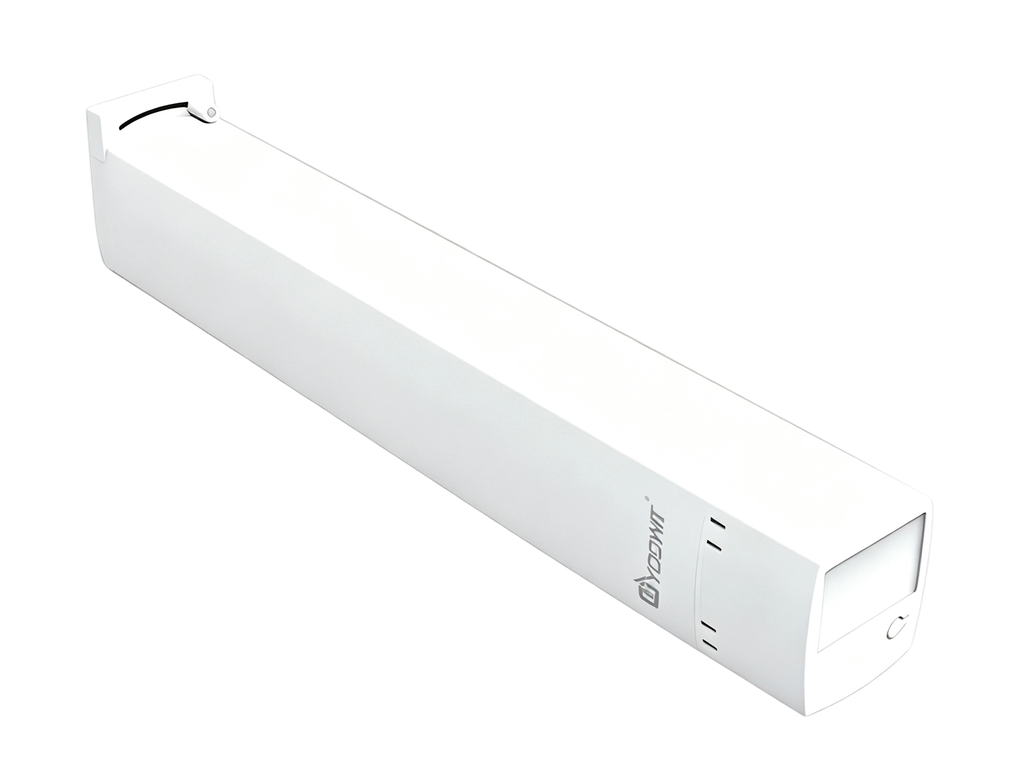
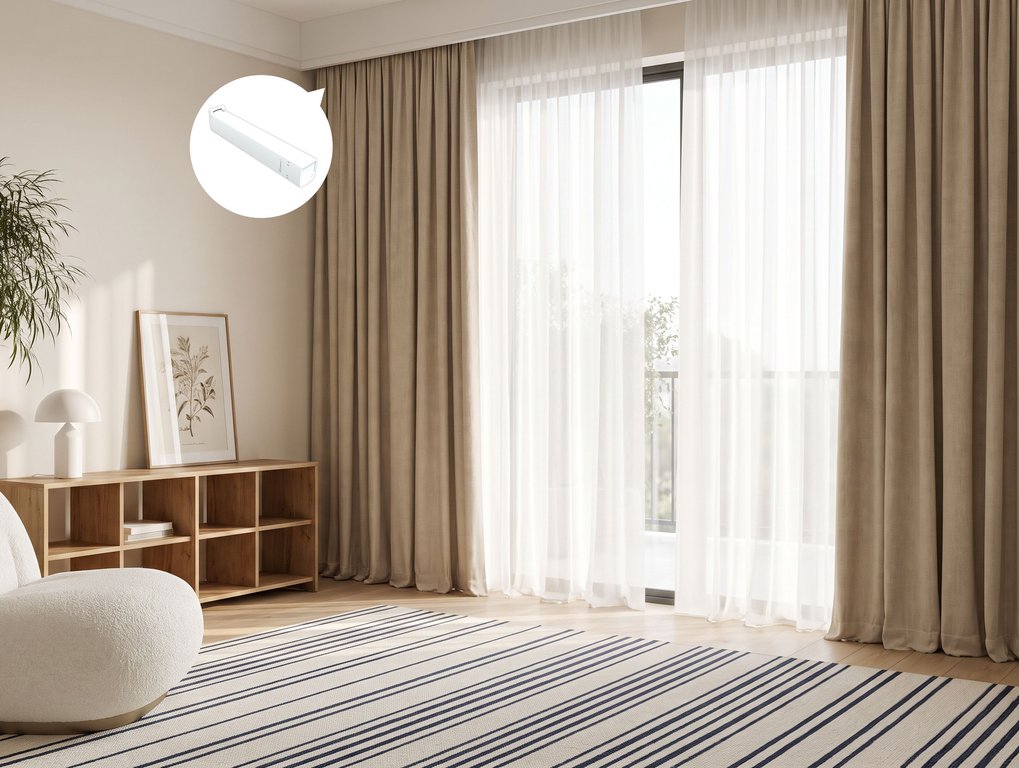
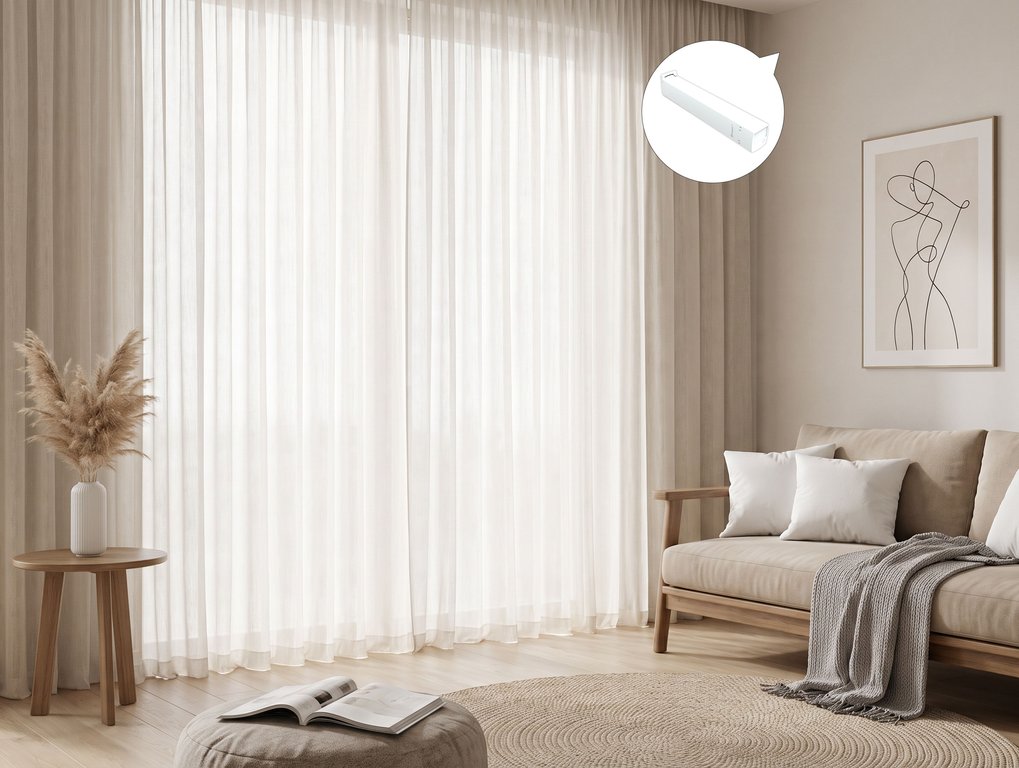

AC Powered
Product Code:
YO122-AC (R2W)




Features
- Wide compatibility,silent and smooth
- Built‑in Wi‑Fi – run on your schedule
- Manual control even when power's out.
- Tracks customized to your windows

Features


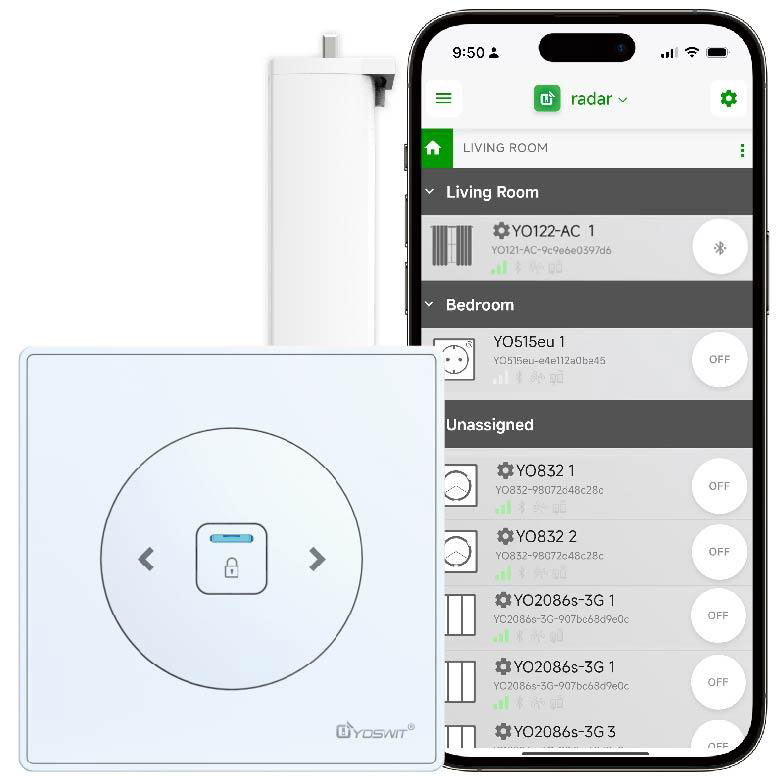
Run Your Home from Your Phone
Phone-Centered Control System for Full-Range Automation of Your Whole Connected Home

Mobile as Hub

Voice Control

Mesh-like Network

Remote Control

Rooms and Scenes

Away Detection

Schedule Timers

Password Protection

IFTTT
Bluetooth Version
We use Bluetooth 4.2 (also sometimes referred to as Bluetooth Low Energy or BLE) as the core processor of our products.
Compatible Devices
We support all Smart Ready products with our application installed. Please click here to get the growing list.
iOS Support
We support Android 7.0 and above, ios 13.0 and above.
Android Support
We support Android 4.3 or above versions. It's the first Android version with Bluetooth Smart support which has just been released on Aug 2013.
| General | ||
| Product Name |
Yoswit Smart Curtain Motor - AC Powered
|
|
| Model |
YO122-AC (R2W)
|
|
| Compliance |
CE, FCC, RoHS
|
|
| Manufacturer |
Designed by Yoswit in Hong Kong, China / Assembled in Guangdong, China
|
|
| Dimensions | ||
| Product Size |

|
|
| Mechanical | ||
| Operation |
APP
|
|
| Operating Temperature |
-10°C to 40°C
|
|
| Operating Humidity |
0-95% RH, Non-Condensing
|
|
| Electrical | ||
| Operation Power |
AC100-240V
|
|
| Power Consumption |
≤0.5W
|
|
| Bluetooth | ||
| Frequency |
2.4GHz
|
|
| Connection |
WiFi 2.4G / BLE 5.0
|
|
| Range |
Open area: >50m / Interior: 3-20m
|
|
WARNING!
Basic Installation
1
Search for a proper position to install the curtain track.

2
Check the position of curtain brackets. The most appropriate distance for brackets is 2 pieces for every 1m track. Afterwards, add 1 piece for another 1m.

3
Attach the curtain brackets to the curtain track with screws. Mount the curtain track with curtain brackets onto a flat ceiling.
Warning

4
Assemble the curtain motor by inserting it into the curtain track. Turn the curtain motor anti-clockwise. The motor will be locked in a fixed position automatically.

5
Disconnect the power supply of your switch. If you are installing a Yoswit curtain switch, please refer to the user manual of the Yoswit curtain/roller switch.

6
Connect the live, neutral, and ground wires of the motor to your switch.

7
Turn on the circuit breaker and connect to the power.
8
Test the motorized curtain by tapping your switch several times.
9
Warning

Installation complete.
Download the Yoswit App to your smart device and enjoy it now!
Yoswit will automatically detect the switch and add it to your device list.
| Downloads | ||
| Certification | ||
| User Manual | ||
| Data Sheet | ||
| Leaflet | ||
| Yoswit App |

|
|
| Yoswit App (Android Apk) | ||